IllumeAI

AI Image Editor — Background and Scene Change

Describe the edit and IllumeAI applies it — remove the background, change the scene from kitchen to outdoor, swap a label color, drop the product into a different setting. No layers, no masks, no Photoshop. Built for ecommerce product photos and social media visuals that need to be on-brand without a designer.

Try free — no card needed
Real examples

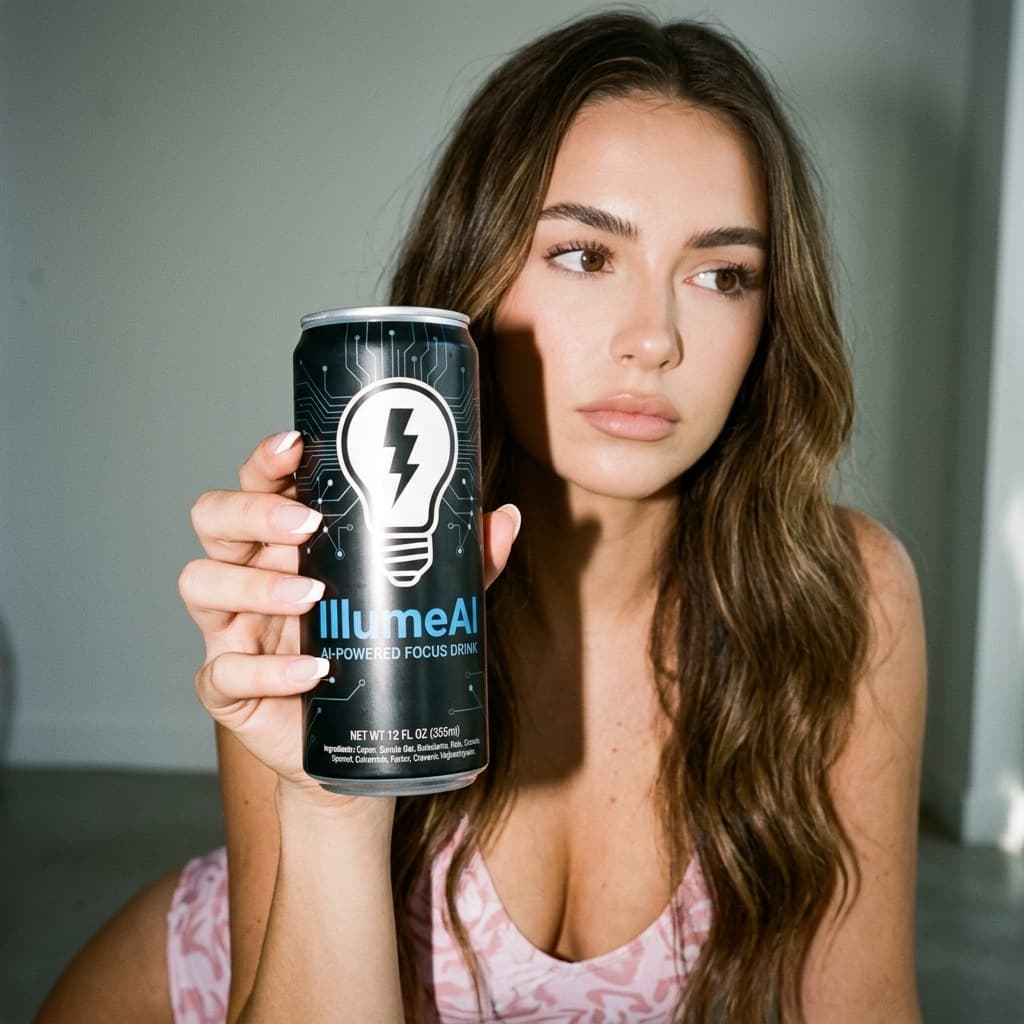
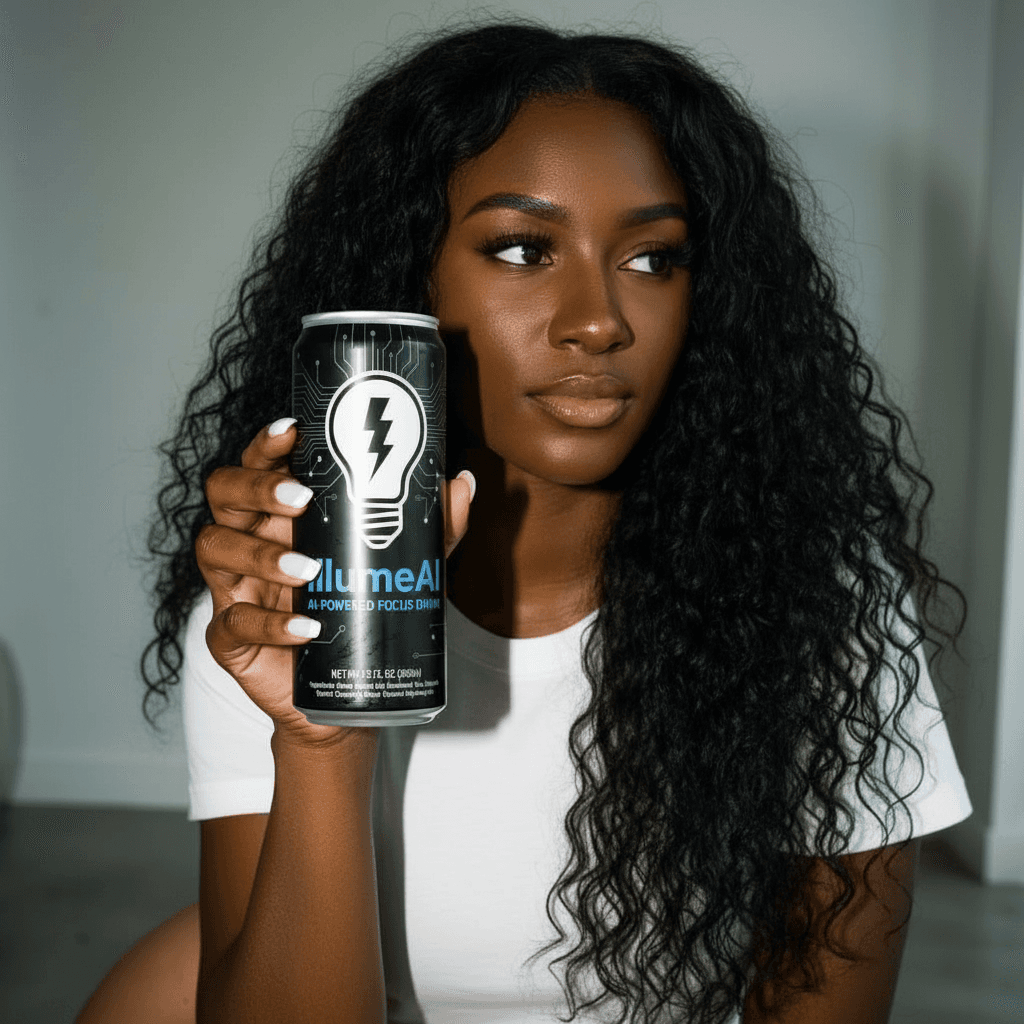
Replace the woman with a different woman — AfterAfter
Replace the woman with a different woman — BeforeBefore
Replace the woman with a different woman
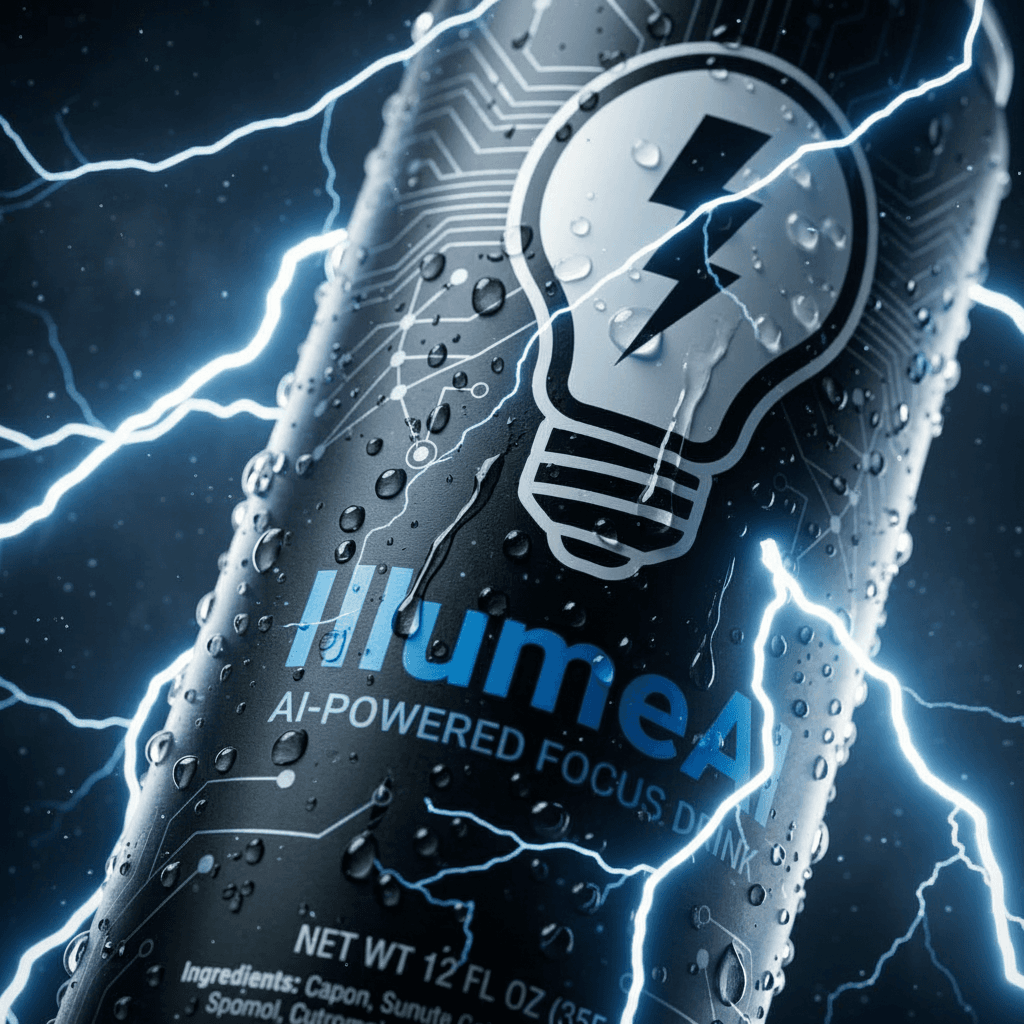
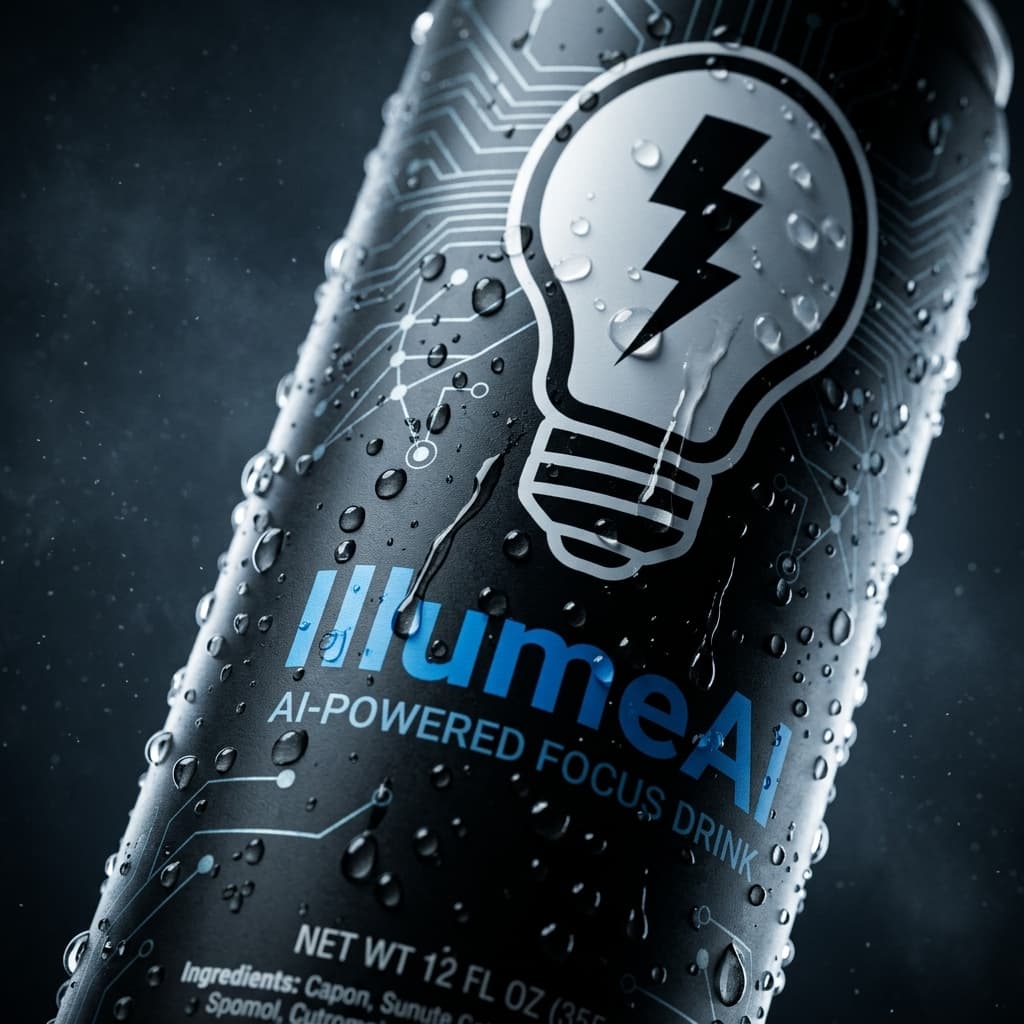
Add lightning bolts in the background — AfterAfter
Add lightning bolts in the background — BeforeBefore
Add lightning bolts in the background
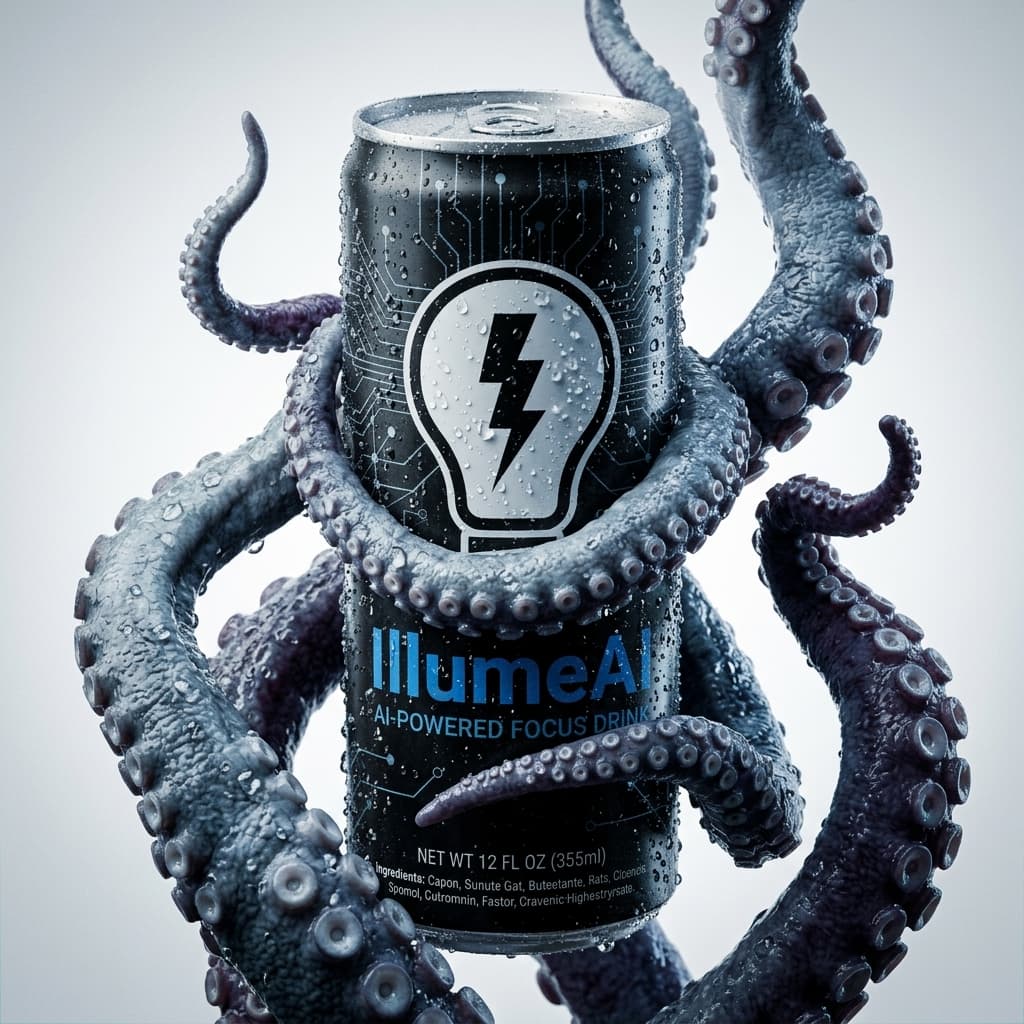
Change octopus color to red
Background: stormy ocean with red sky — AfterAfter
Change octopus color to red
Background: stormy ocean with red sky — BeforeBefore
Change octopus color to red Background: stormy ocean with red sky

How it works

  1. 1

    Sign in to IllumeAI

    Open the Image Editor from the tools menu.

  2. 2

    Upload an image and describe the edit

    Drop a JPG/PNG/WebP, optionally add a reference, write the change.

  3. 3

    Generate and download

    Hit Generate and download the result.

Start creating now

Try free — no card needed